Creating a home workspace that strikes the perfect balance between comfort and productivity can greatly enhance your work-from-home experience. Whether you’re freelancing, managing a remote team, or simply trying to focus on important tasks, an inviting yet efficient workspace helps keep distractions at bay and motivation high.
In this post, we’ll explore how to design a cozy and productive home office that suits your style and needs. From choosing the right spot to organizing essentials, these tips will guide you to craft a space where you want to spend time—and get things done.
Choose the Ideal Location
Selecting the right spot for your home office is the foundation of a productive workspace. Here are a few considerations:
– Natural light: Position your desk near a window if possible. Natural light boosts mood and energy. Avoid glare on your computer screen by placing the desk perpendicular to the window.
– Quietness: Find a space with minimal noise and foot traffic for better focus. Spare bedrooms, closets, or corners often work well.
– Space: Ensure there’s enough room for your desk, chair, and any necessary equipment without feeling cramped.
– Separate from distractions: Try to keep your work area distinct from relaxation spaces to help your brain switch into work mode.
Invest in Comfortable and Supportive Furniture
Ergonomics play a huge role in both comfort and long-term health:
– Ergonomic chair: Choose a chair that supports your lower back and promotes good posture. Adjustable height and backrest tilt are useful features.
– Desk height: Your desk should allow your forearms to rest parallel to the floor while typing. Consider an adjustable desk or a standing desk converter to alternate between sitting and standing.
– Footrest: If your feet don’t naturally rest flat on the ground, use a footrest to reduce strain on your legs.
– Monitor placement: Position your monitor at eye level and about an arm’s length away to reduce neck and eye strain.
Organize Your Space for Efficiency
Clutter can distract and overwhelm, so organization is key:
– Storage solutions: Use shelves, filing cabinets, or desk drawers to keep supplies and documents neatly stored.
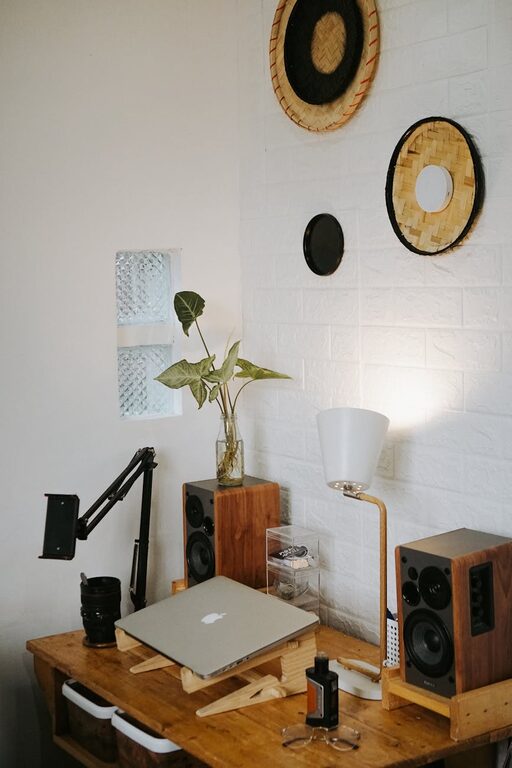
– Desk essentials only: Keep only frequently used items on your desk to maintain a clean workspace.
– Cable management: Use clips or cable sleeves to keep wires tidy and prevent tangling.
– Digital organization: Use desktop folders or cloud storage to keep your computer files organized and easily accessible.
Add Cozy Touches for Comfort
Personalizing your workspace makes it feel inviting and can enhance your mood:
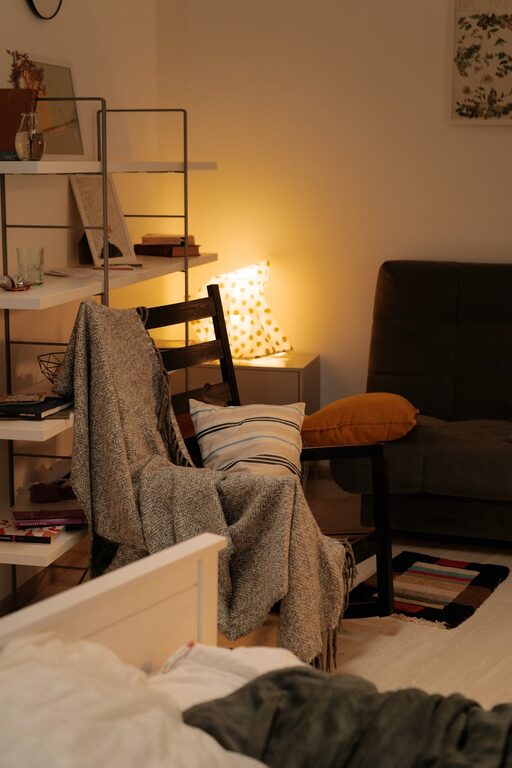
– Soft textiles: A comfortable seat cushion, cozy throw blanket, or area rug can add warmth.
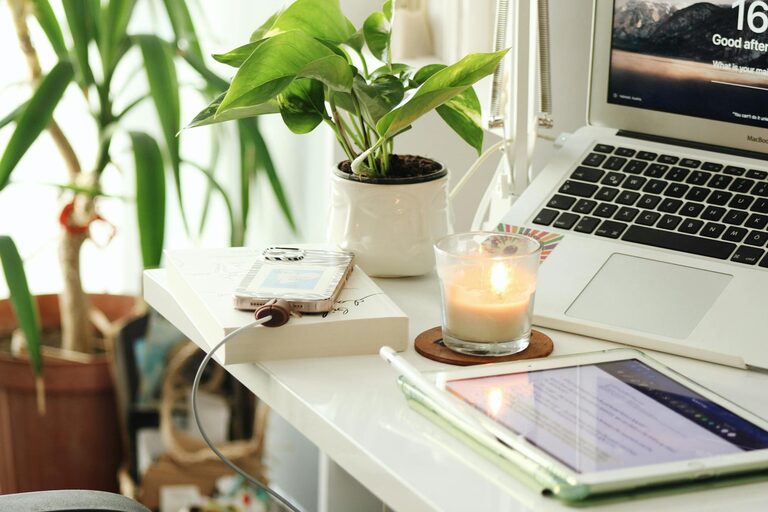
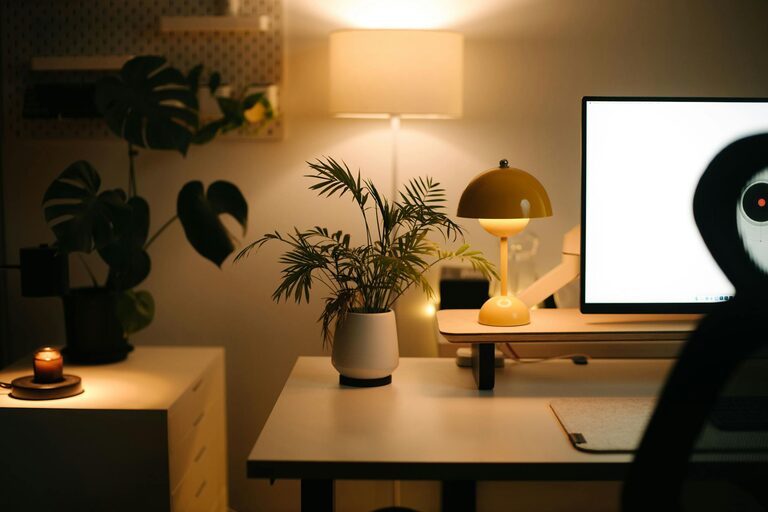
– Plants: Indoor plants improve air quality and create a refreshing environment.
– Lighting: Use a combination of natural light, overhead lighting, and task lighting such as desk lamps for a well-lit space.
– Personal decor: Add pictures, artwork, or inspiring quotes that make you happy without causing distraction.
Maintain Healthy Work Habits
Even the best workspace is only part of the equation. Incorporate habits that support productivity and well-being:
– Regular breaks: Follow the Pomodoro technique or simply stand up every hour to stretch and rest your eyes.
– Hydration and snacks: Keep water and healthy snacks nearby to maintain energy.
– Set boundaries: Establish clear work hours and communicate them with family or housemates to minimize interruptions.
– End-of-day routine: Tidy your workspace at the end of each workday to start fresh tomorrow.
Leverage Technology to Stay Connected and Focused
Technology can help create a smoother workflow:
– Noise-canceling headphones: Great for blocking out background noise, especially in shared spaces.
– Productivity apps: Use task managers, timers, or calendar apps to keep your schedule organized.
– High-speed internet: Ensure your internet connection meets your work demands to avoid frustration.
– Quality peripherals: Invest in a reliable keyboard, mouse, and webcam if video calls are part of your routine.
Final Thoughts
Designing a cozy and productive home workspace doesn’t have to be complicated or costly. By selecting a good location, optimizing comfort and organization, adding personal touches, and integrating healthy habits, you can create a space that supports your best work. Remember, your workspace should serve you—feel free to adjust it over time as your needs and preferences evolve.
With these tips in hand, you’re ready to transform any corner of your home into a comfortable and inspiring office. Happy working!