Creating a home office that feels both cozy and highly functional can be a game-changer for anyone working remotely or managing tasks at home. Your workspace has a big impact on how focused and motivated you feel, so investing a little time and thought into its design is well worth it.
In this guide, we’ll explore tips to help you build a home office that balances comfort with productivity.
Choose the Right Location
Consider Natural Light
Placing your desk near a window lets you benefit from natural light, which can boost mood and reduce eye strain. Avoid harsh glare on your computer screen by positioning your workspace perpendicular to the window.
Minimize Distractions
Pick a quiet corner of your home, ideally separate from high-traffic areas. Using a spare room if possible will help you mentally separate work from personal life.
Invest in Comfortable Furniture
Ergonomic Chair
A supportive chair is essential. Look for one with adjustable height, lumbar support, and comfortable cushioning to keep you comfortable during long work sessions.
Functional Desk
Select a desk that fits your space and work style. Standing desks or adjustable height models offer flexibility and promote better posture.
Organize for Efficiency
Declutter Regularly
Keep only essential items on your desk. A tidy workspace reduces stress and helps you focus.
Use Storage Solutions
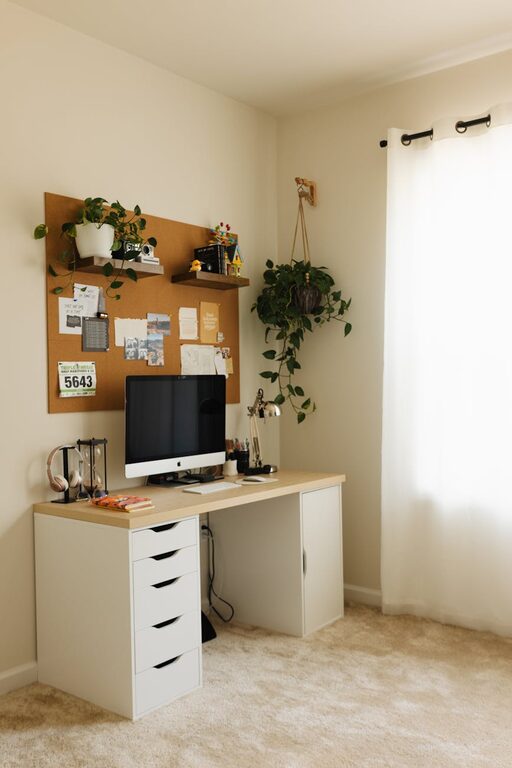
Incorporate shelves, drawers, or desk organizers to keep supplies and documents neatly stored but within reach.
Cable Management
Tame cords with clips or sleeves to maintain a clean look and avoid tangles.
Personalize Your Space
Add Cozy Elements
Soft rugs, cushions, or a blanket can make your office feel inviting.
Incorporate Plants
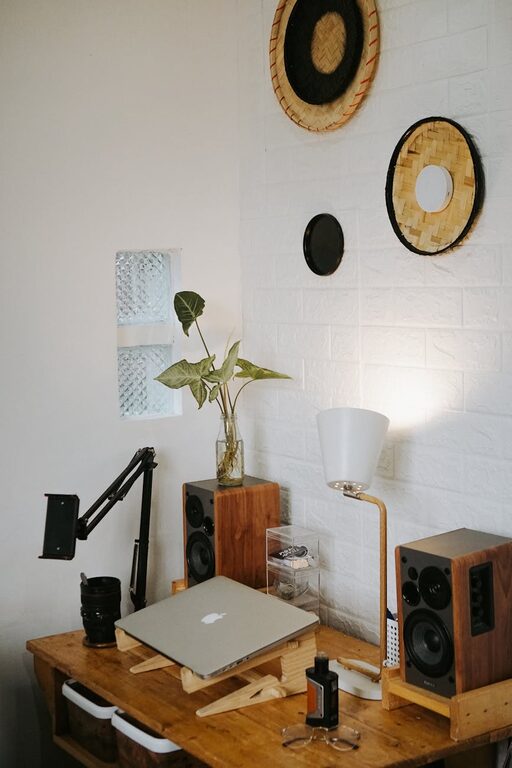
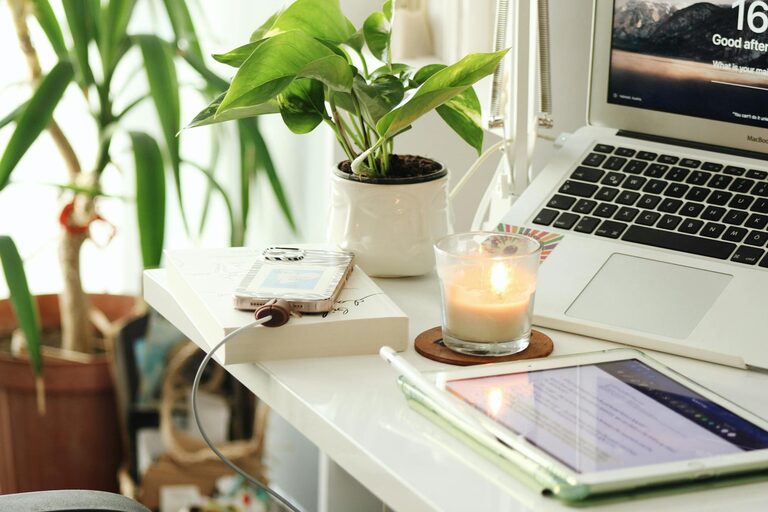
Indoor plants not only brighten the room but also improve air quality and can reduce stress.
Display Inspiring Items
Photos, artwork, or motivational quotes give your space personality and keep you inspired.
Lighting Matters
Combine Different Types of Light
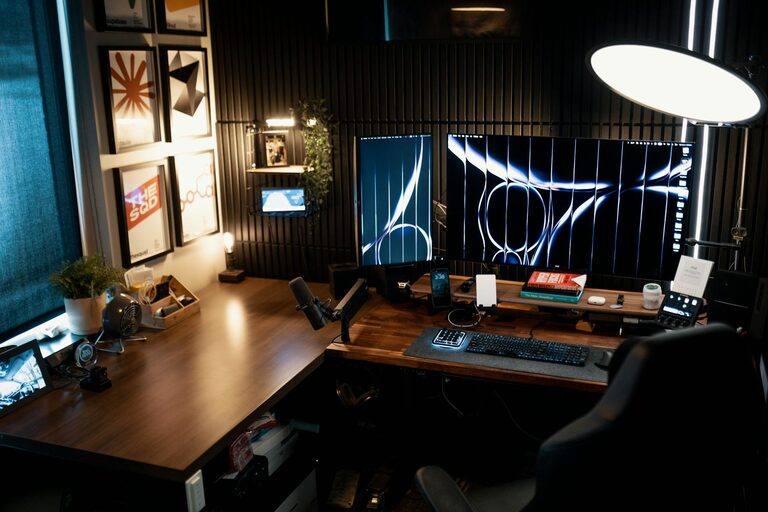
Use a mix of ambient lighting and task lighting. A desk lamp with adjustable brightness can help reduce eye strain during detailed work.
Avoid Overhead Fluorescent Lighting
If possible, opt for warm-colored bulbs that create a softer, more welcoming atmosphere.
Set Boundaries Between Work and Relaxation
Create a Clear Divide
Having a designated work area helps your brain switch into “work mode” during the day and relax afterward.
Use Visual Cues
A room divider or different rugs can subtly separate your workspace from living or leisure areas.
Incorporate Technology Thoughtfully
Reliable Internet
Strong and stable internet is crucial; consider a wired connection if Wi-Fi is spotty.
Quality Equipment
Invest in a good monitor, keyboard, and mouse to enhance comfort and productivity.
Minimize Notifications
Use tools and apps to limit interruptions and focus on your tasks.
Maintain Good Air Quality and Temperature
Ventilation
Fresh air keeps you alert, so open windows when possible or use an air purifier.
Temperature Control
Set a comfortable room temperature using fans or heaters to avoid distractions caused by being too hot or cold.
Create a Routine and Stay Inspired
Regular Breaks
Step away from your desk every hour to stretch or take a brief walk.
Keep a Planner
Use a physical planner or digital calendar to organize your day and keep track of goals.
Update Your Space Periodically
Changing your decor or rearranging furniture can refresh your environment and spark creativity.
—
Designing a home office that is both cozy and productive is all about balance. By focusing on comfort, organization, and personal touches, you can create a space that motivates you to work efficiently while feeling right at home. With a little effort, your home office will become a place you look forward to spending time in each day.